( Session )
Offline-First, Cloud-Smart: Hybrid AI in Flutter
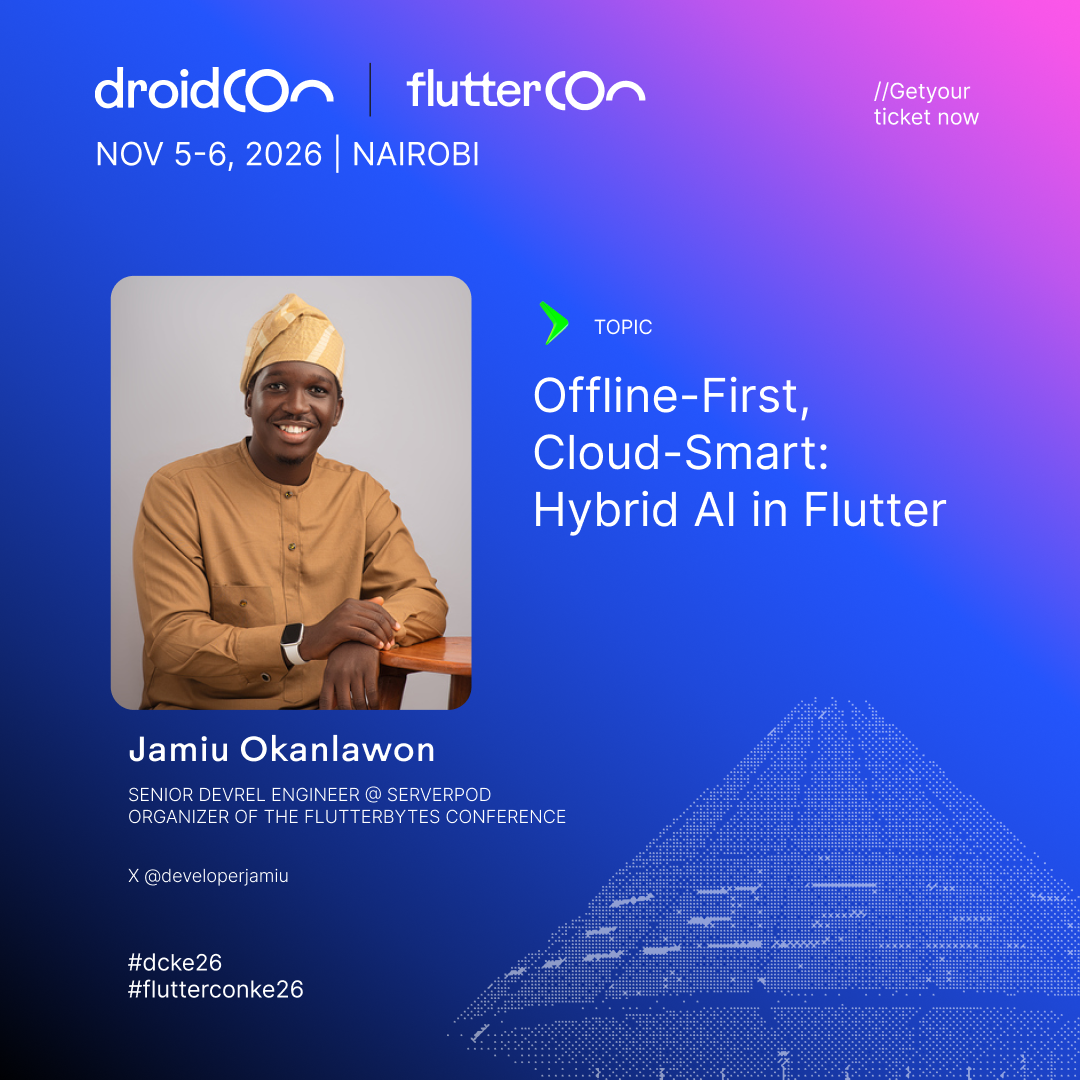
When you add AI to your app, every request has to run somewhere: on a server in the cloud, or on the user's phone. Cloud models are powerful, but you pay for every request and they need a network connection. On-device models are private, free to run, and work offline, but they are small and limited. Neither one is the right choice for everything. The better approach is to decide per request. That decision is just Dart code, and this session shows you how to write it. First, we'll look at what should drive the decision, using simple examples. A request with personal data should stay on the phone. A complex planning question needs a bigger cloud model. A basic lookup can be answered locally for free. And when there is no network, the on-device model is the only option. Then we'll write the routing code in Dart, step by step. We start with a simple if/else that picks a model. Next, we use a tiny local model to classify each request and route it. Finally, we build a small fallback service, so the feature keeps working when the network or a provider fails. The examples use Genkit, with Gemma on the device and Gemini in the cloud. We'll finish with what it takes to ship this: what small models can and cannot do today, how to test routing logic, and how to get a large model file onto users' phones. Key takeaways: - How to decide, for each request, whether it should run on-device or in the cloud - The four signals behind that decision: privacy, connectivity, cost, and capability - Dart code for three levels of routing, from a simple if/else to a fallback service - What shipping an on-device model involves: model download, cold start, memory limits For Flutter and Dart developers at any level. No AI experience needed. The ideas apply to any platform.